
Projects and init
projects
Every project you can see, across your workspaces, with its name, key and id. The one linked to the current directory is marked with ●.
link
Writes .gates.json in the current directory:
Every later command in this directory acts on that project unless --project <id> says otherwise. The file holds an id, not a secret, so commit it: teammates and agents then share the link. Linking again overwrites it.
env keys
The public ek_… SDK key for each environment of the linked project. These keys can read configuration and report telemetry, never change anything, so they are safe in app source. See Environments and keys.
init
The one command for a new Expo app. It links the project (with one project no id is needed), installs @withgates/expo and its Expo peers with the package manager the directory already uses, then prints the two snippets you paste: the provider around your root component with that environment’s key, and a first useFlag read.
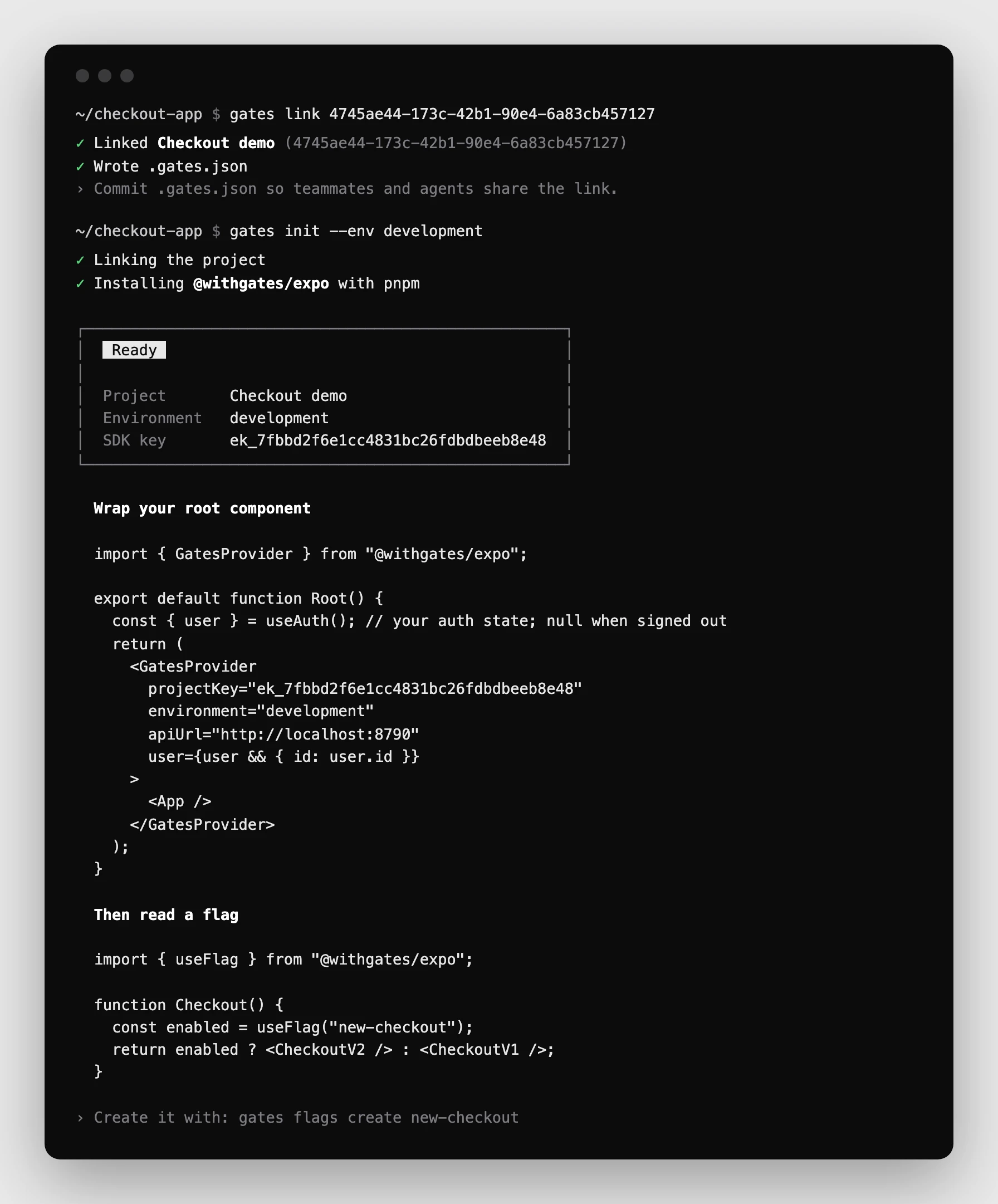
A few behaviours worth knowing:
- Without a
package.jsonnothing is installed.expo installwould scaffold a fresh project, which is never what was meant, soinitprints the install command for you to run from your app instead. - Without an
expodependency it installs anyway and says so. - With
--jsonthe install step is skipped; the output tells you the command. An agent reading the JSON runs the install itself. - If the install fails,
initexits 1 with the command to run by hand. The link is kept; run the install yourself, thengates env keysfor the key the provider needs.
The provider snippet is wired for the environment you chose. Pick development for the simulator and production for the build you ship; the key is the only thing that differs.