
The gates CLI
@withgates/cli is the Gates command line. Nothing to install: npx @withgates/cli <command> runs the latest release. Install it globally and the command is gates.
On its own, gates tells you where you stand and what to do next: who is signed in, whether this directory is linked to a project, and the two or three commands that make sense from here.
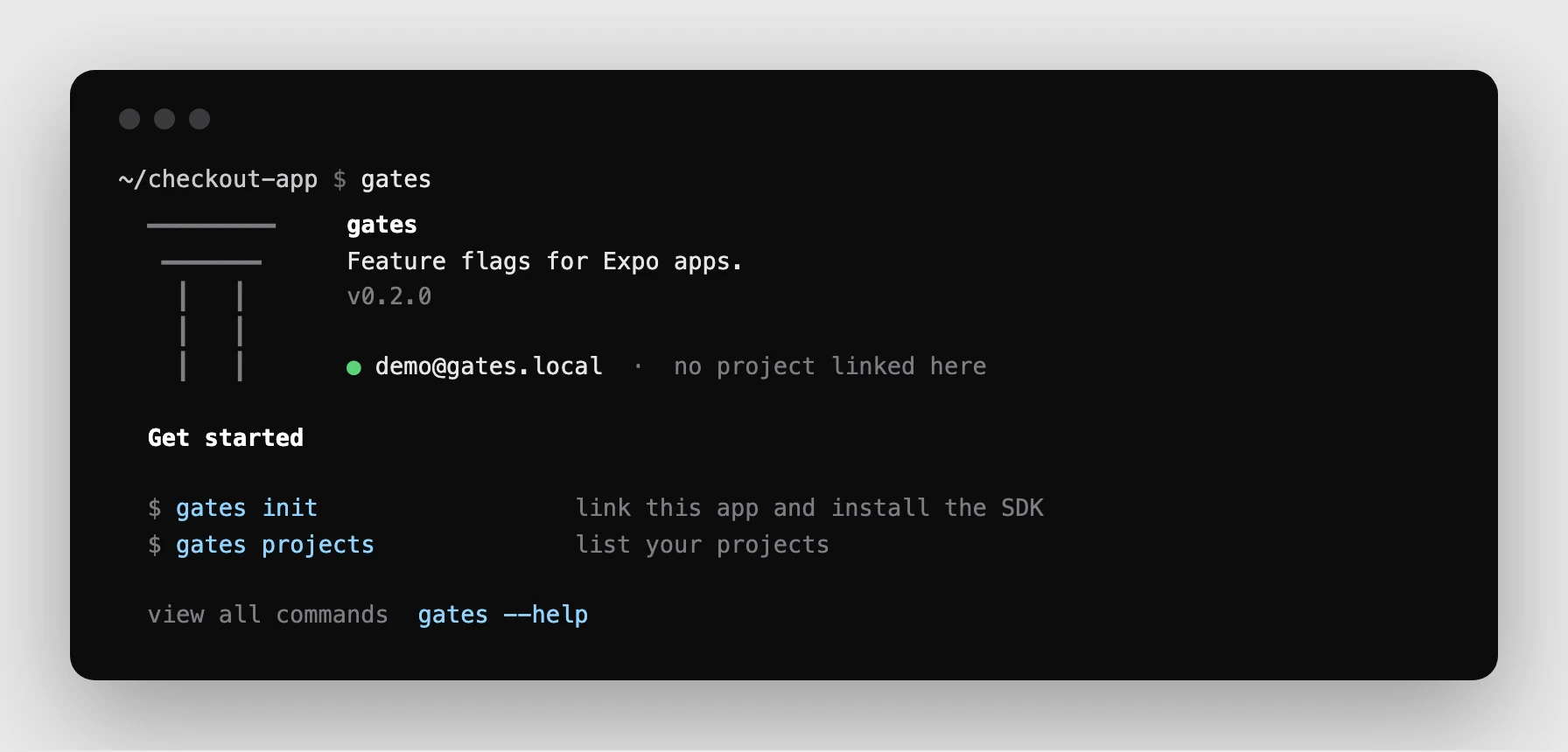
The shape of a session
gates loginapproves a code in your browser. No password reaches the terminal.gates initin your Expo app links the project, installs@withgates/expoand prints the provider snippet.gates flags create,rolloutandkillship the flag, widen it and pull it back.gates skill install --mcphands all of that to your coding agent.
Commands
| Command | Does |
|---|---|
gates login [--api-url <url>] | Sign in: approve a code in your browser. |
gates logout | Sign out and forget the session. |
gates whoami | Who is signed in, their workspaces, and the API in use. |
gates projects | Every project you can see, with the linked one marked. |
gates link [<projectId>] | Remember a project for this directory in .gates.json. |
gates env keys | The public SDK key for each environment of the linked project. |
gates init [--env <env>] | Link, install the SDK and print the provider snippet. |
gates flags [--env <env>] | Flags with their state and the environment’s rollout. |
gates flags create <key> [--name <name>] [--on] | A new boolean flag. Off everywhere until it has a rollout. |
gates flags rollout <key> --env <env> --percent <n> | Serve true to a share of devices. Widening keeps the same devices in. |
gates flags kill <key> / gates flags restore <key> | The kill switch: off wins everywhere on the next sync, and back. |
gates skill install [--agent <agent>] [--mcp] | The agent skill and, with --mcp, the MCP server. |
gates mcp | The MCP server over stdio. |
Every command accepts --project <id> to act on a project other than the linked one, and --json for machine-readable output. gates --help prints this table in the terminal.
How output works
- A result is one line starting with
✓, a boxed panel, or a table. Hints that tell you the next command start with›. - Errors go to stderr as
✗plus the API’s own message, with the command that fixes it indented beneath. The exit code is non-zero. - Longer operations (
login,init) show a spinner on a terminal and only their final line in a pipe. - Color follows the terminal.
NO_COLORturns it off,FORCE_COLORturns it on,TERM=dumbis respected.--jsonis never colored.
Where things live
| Path | Holds |
|---|---|
~/.config/gates/credentials.json | The session from gates login, mode 0600. $XDG_CONFIG_HOME/gates or $GATES_CONFIG_DIR relocate it. |
./.gates.json | The linked project id. Not a secret; commit it. |
Environments are development, preview and production. Commands that take --env default to production, except init, which defaults to development.